







EY refers to the global organization, and may refer to one or more, of the member firms of Ernst & Young Global Limited, each of which is a separate legal entity. Ernst & Young Global Limited, a UK company limited by guarantee, does not provide services to clients.
How EY can help
-
Discover EY’s technology insights, people and services and how they can help your business improve performance, manage risk and drive innovation.
Read more -
EY teams give you the confidence to shape the future and create new value by reimagining and realizing transformations across the entire enterprise.
Read more
How to include offline map elements in your mobile app
I recently worked on modernizing the BC range program. It allocates and administers hay-cutting and grazing agreements on Crown rangeland. As part of this project, we developed a set of apps for iPad and web. The app allows users to file their range use plans from within the app.
One of the main goals for the iPad application was to address that it can be used when a user is offline or only has a limited internet connection.
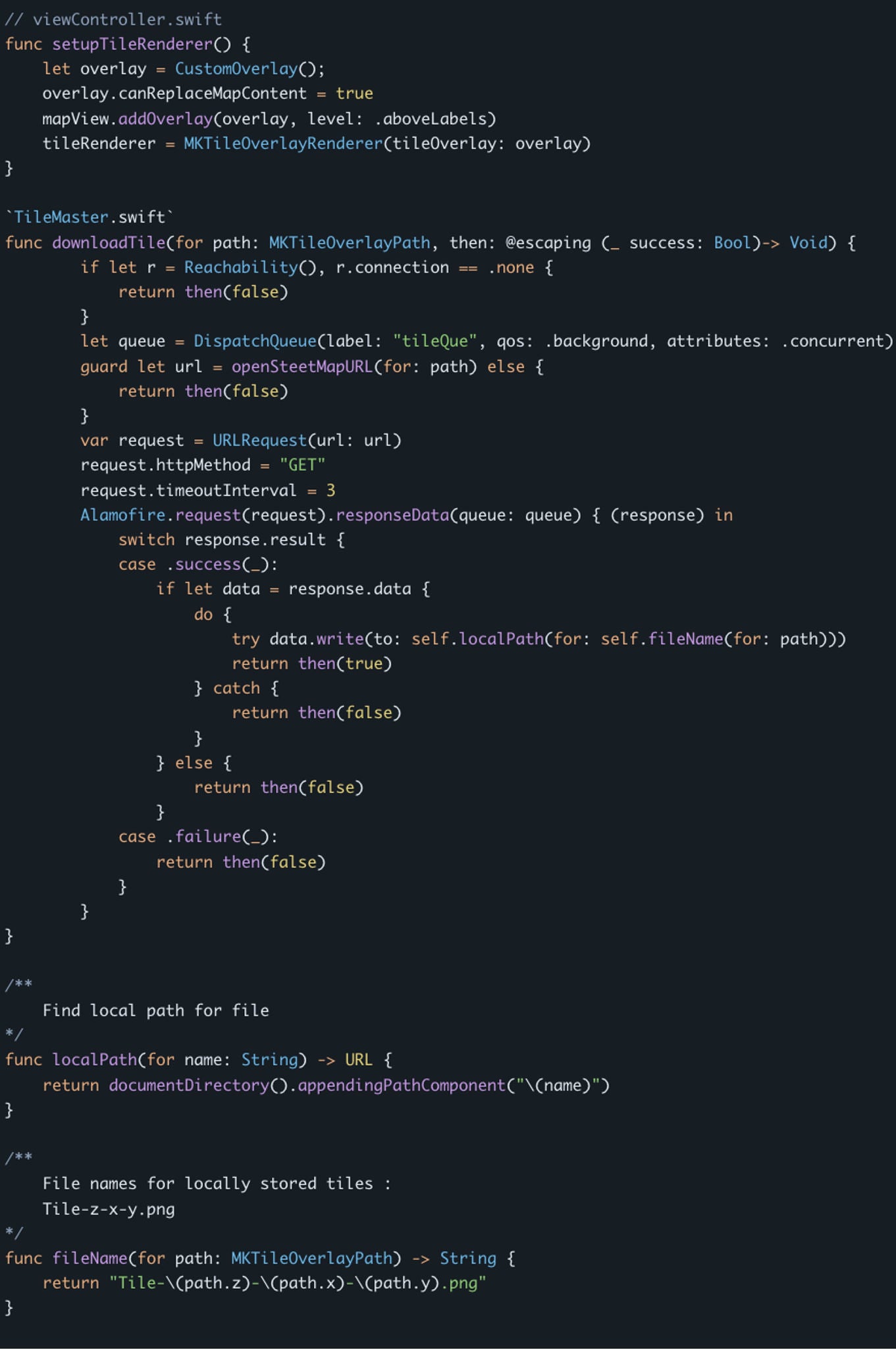
One of the things we explored during this project was the potential of incorporating an offline map feature. While it didn’t make it into the current version, I thought it’d be interesting to share some of the research I did while looking into this feature.
Creating offline maps
Trying to find any sort of information on creating an offline map was nearly impossible — especially when you want to do it in an open source environment and without a paid provider.
Here’s what I learned:
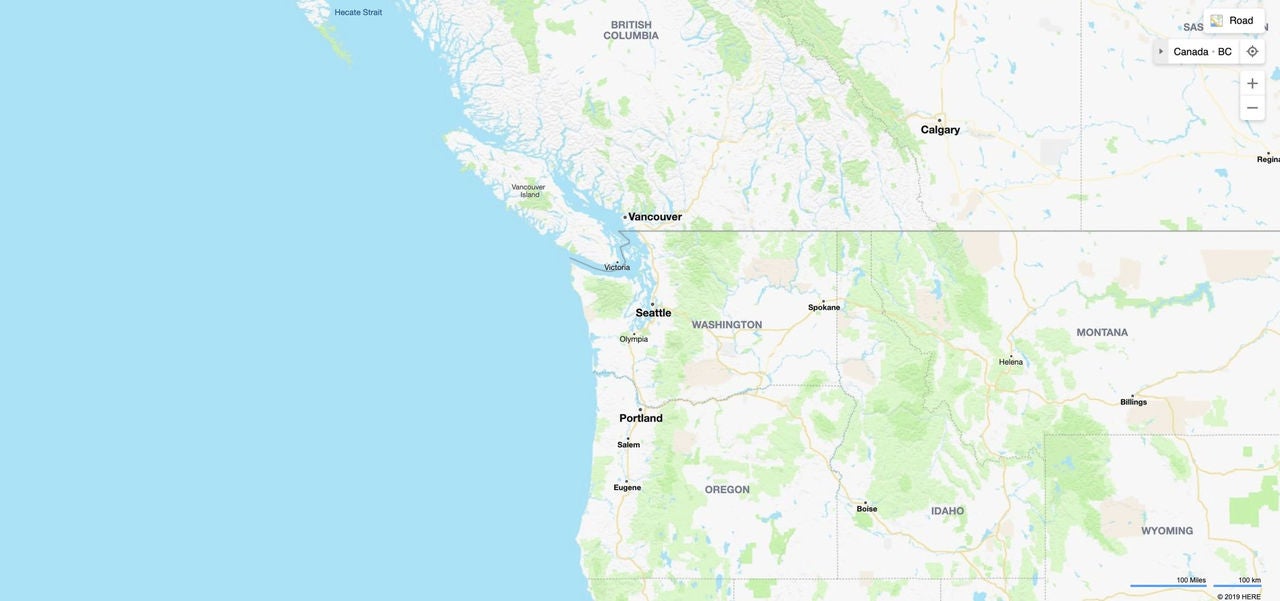
Maps, whether Google, Apple, Bing or OpenStreetMap, use the same standardization. Each level of the map is divided into tiles. So when you’re zoomed all the way out, the map consists of one tile. Each time you zoom in each tile gets divided into quadrants.
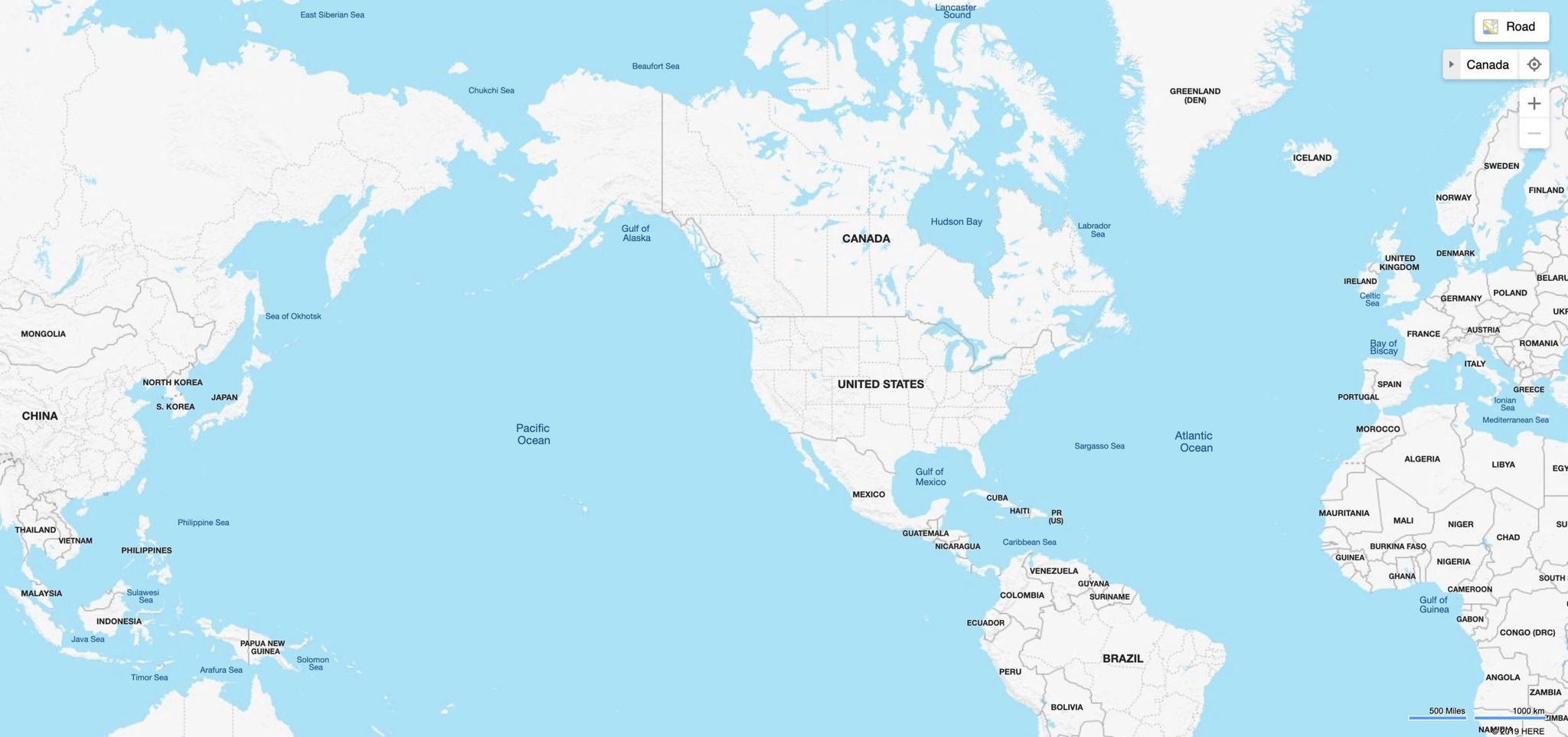
This map is zoomed out as far as possible and is represented by one tile.